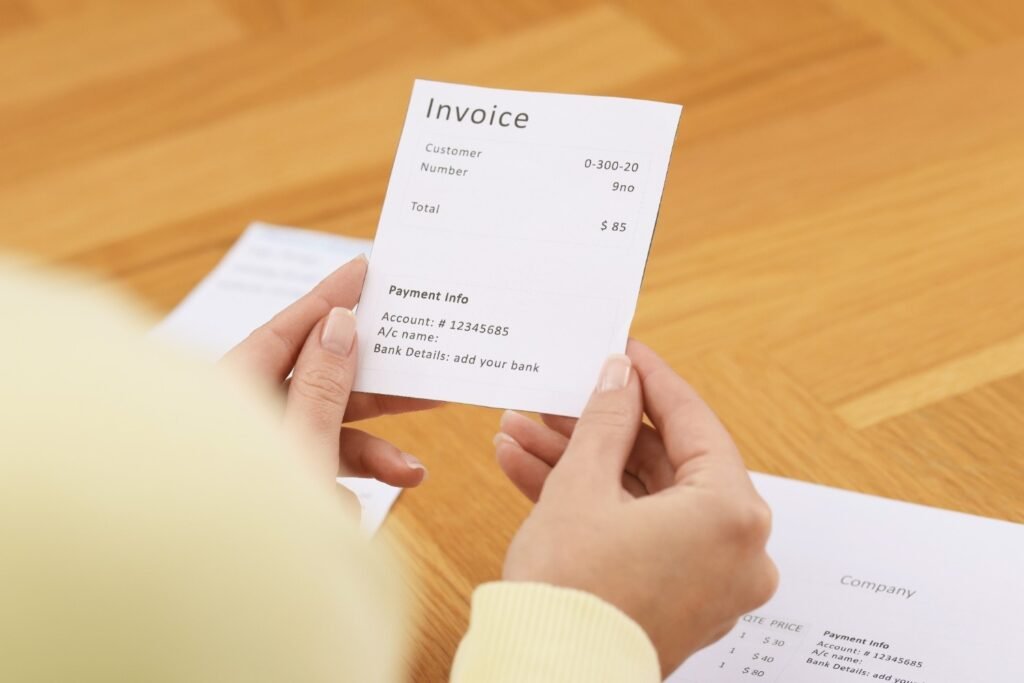
Most landlords don’t need complicated software to manage rent receipts. They need something simple: fill in the fields, get a clean PDF, send it to the tenant. Done.
That’s exactly what an online rent receipt generator does. No template to build, no spreadsheet to format, no receipt book to carry around. You open a browser — on your phone or your computer — fill in about ten fields, and download a professional receipt ready to email or print.
This post covers what an online receipt generator does, why it beats the alternatives for most small landlords, and how to use one to generate your free rent receipt at FreeRentReceipt.com right now.
What Does It Mean to Generate a Receipt Online?
Generating a receipt online means using a web-based tool — not software you install, not a spreadsheet template you maintain — to produce a formatted receipt document from fields you fill in on a form.
The output is typically a PDF: a fixed, professional-looking document that can be downloaded, emailed, printed, or saved to cloud storage. The generator handles all the formatting — you just supply the information.
For rent receipts specifically, a good online generator will include all the fields a landlord-tenant receipt requires:
- Receipt number
- Date of payment
- Payment period (start and end date)
- Tenant’s full legal name
- Property address and unit number
- Amount paid
- Payment method
- What the payment is for
- Balance due
- Landlord name and signature field
- Date issued
Fill those in, click generate, download the PDF. That’s the full workflow.
Why Generating Online Beats Every Other Option
There are four common ways landlords produce rent receipts: paper receipt books, Word or Google Docs templates, Excel spreadsheets, and online generators. Here’s how they compare on the things that actually matter day-to-day.
Speed
Paper receipt book: Fast if the book is in front of you and you have a pen. Slow if you need to find it, slow if you want to email the result.
Word / Google Docs template: 5–10 minutes once you’ve built it. Every month you open the file, update each field manually, save a copy with a new name, export to PDF, then send. More steps than it sounds.
Excel template: Similar to Word, plus the added complexity of print layout and formula maintenance if you want auto-calculation.
Online generator: Under 60 seconds. Open the page, fill in the fields, click download. That’s it — from any device, anywhere, no setup required.
Cost
All four options can be free — receipt books cost $6–$15 per booklet, but the others are genuinely no-cost. FreeRentReceipt.com is free, with no account required and nothing to pay for.
Professional Output
A paper carbon copy looks like a carbon copy. A Word or Google Docs receipt looks as good as the template you built — which takes time to get right and varies in quality. An online generator produces a consistently clean, formatted PDF every time, regardless of how design-savvy you are.
Record Keeping
Paper receipt books have no digital backup. Templates require you to manually organize saved files. An online generator outputs a PDF you can immediately save to a cloud folder, organized by tenant and year, making tax season dramatically easier. For a practical filing system, see our post on how to organize rental income records for tax season.
Mobile Use
Paper books require you to be physically present. Word and Excel are borderline unusable on a phone for document production. Online generators work on any smartphone browser — which matters because cash payments, money orders, and in-person rent collection happen in real life, not at a desk.
How to Generate a Rent Receipt Online — Step by Step
Here’s the complete workflow using FreeRentReceipt.com:
Step 1: Open the generator Go to FreeRentReceipt.com on your phone or computer. No account to create, no email address required. The form loads immediately.
Step 2: Enter the receipt number Start at 0001 and go up sequentially. If you’ve already issued receipts this year, enter the next number in your sequence. Consistent numbering creates a clean audit trail.
Step 3: Enter the payment date The date the payment was actually received — not the due date. If your tenant paid on the 3rd, write the 3rd.
Step 4: Enter the payment period The date range this payment covers. For standard monthly rent, this is the first through the last day of the month. Example: July 1 – July 31, 2025.
Step 5: Enter the tenant’s full name Legal name as it appears on the lease. Both names if it’s a joint tenancy.
Step 6: Enter the property address Full address including unit number.
Step 7: Enter the amount paid Exact dollar amount. If it’s a partial payment, enter what was actually received — not the full rent amount.
Step 8: Select the payment method Cash, check, money order, Zelle, Venmo, bank transfer — whatever applies. For checks, note the check number in this field.
Step 9: Enter what the payment is for Monthly rent in most cases. Use “Partial Monthly Rent,” “Late Fee,” “Security Deposit,” or whatever accurately describes this specific payment.
Step 10: Enter the balance due Zero if paid in full. The exact remaining amount if not.
Step 11: Add your name and download Enter your name as landlord. Click generate. Download the PDF. Email it to your tenant and save a copy to your records.
Total time: under 60 seconds for a payment you’ve documented before. Maybe 90 seconds the first time.
What Makes a Good Online Rent Receipt Generator
Not all online receipt generators are built for landlord-tenant use. A lot of them are designed for freelancers and small businesses — they produce service invoices, not rent receipts. The difference matters because a generic invoice template won’t have a payment period field, a balance due line, or a rental property address format.
A rent-specific generator should have:
All eleven required fields — including payment period and balance due, which generic invoice tools typically omit.
No required account — you shouldn’t have to create a login to generate a receipt. The friction adds time and a reason not to bother.
Clean PDF output — the downloaded file should look professional enough to serve as documentation in a housing authority review, a court proceeding, or a tax audit.
Mobile compatibility — since rent collection often happens in person, the generator should work on a phone without pinching and zooming through a desktop layout.
Free, always — for a document this simple, there’s no reason to pay. If a generator requires a subscription to download your own receipt, look elsewhere.
FreeRentReceipt.com was built specifically for small landlords and meets all of these criteria. It’s free, requires no account, works on mobile, and produces a properly formatted rent receipt PDF with every field a landlord needs.
Generating Receipts for Different Payment Types
An online generator handles every payment method the same way — the form doesn’t change, only the values you enter. Here’s how to handle the most common scenarios:
Cash Payment
Enter “Cash” in the payment method field. Because there’s no bank record for cash, this receipt is the only documentation the payment happened. Issue it the same day, every time. For a detailed walkthrough of cash-specific documentation best practices, see our post on how to fill out a rent receipt.
Check Payment
Enter “Check” plus the check number in the payment method field — for example, “Personal Check #3847.” If the check bounces, you have a receipt showing the payment method and check number, which is useful for follow-up.
Money Order
Enter “Money Order” in the payment method field. Consider noting the money order serial number if your tenant provides it — useful if a money order is ever disputed or traced.
Digital Payments (Zelle, Venmo, ACH)
Digital payments leave a transaction record in the app or bank, but those records don’t specify what the payment was for, which property, or which rental period. A receipt generated online fills in those details and creates a complete document — corroborating the app notification rather than replacing it.
Partial Payment
Enter the exact amount received in the amount paid field. Set “Paid For” to “Partial Monthly Rent.” Enter the remaining balance in the balance due field. This documents the partial payment accurately and creates a clear record of the outstanding amount.
How Frequently Should You Generate Receipts?
Every payment. Every time. No exceptions.
Some landlords issue receipts only when a tenant asks, or only for cash payments, or only when something feels uncertain. The problem with that approach is that you can’t predict which payments will later be disputed. The month where everything went smoothly is sometimes exactly the month a tenant later claims they never paid.
A consistent habit — one receipt per payment, issued the same day — means your records are complete without gaps. The IRS expects landlords to maintain accurate rental income documentation; see IRS Publication 527 for guidance on what that means for residential rental property. Clean, sequential receipts are the simplest way to meet that standard.
For state-specific requirements on when receipts are legally required, including cash payment mandates, see our state-by-state rent receipt laws guide. HUD.gov also provides federal-level tenant protection context worth knowing.
Generate your free rent receipt at FreeRentReceipt.com — no account, no cost, ready in under 60 seconds on any device.
Disclaimer: This post is for informational purposes only and does not constitute legal advice. Landlord-tenant laws vary by state. Requirements around rent receipts — including when they are legally required and what they must contain — differ by jurisdiction. Consult a licensed attorney or your state’s housing agency for guidance specific to your situation.
Frequently Asked Questions
Can I generate a rent receipt online for free?
Yes. FreeRentReceipt.com lets you generate a professional rent receipt PDF at no cost, with no account required. Fill in the fields, download the PDF, done. There are no paid tiers, no watermarks on the free version, and no email address required to use it.
Is an online-generated rent receipt legally valid?
Yes — a digitally generated rent receipt is legally valid in all U.S. states, provided it includes the required information and is signed by the landlord (typed name counts for digital receipts in most jurisdictions). What matters legally is the content — the fields — not whether it was handwritten, typed in Word, or generated online. For state-specific requirements, review Nolo’s landlord-tenant law library.
What information do I need to generate a rent receipt online?
You need: the tenant’s full name, the property address, the payment date, the rental period covered, the amount paid, the payment method, what the payment is for, the balance due, and your name as landlord. Most landlords have all of this in their head — filling in the fields takes under 60 seconds.
Can I generate a rent receipt on my phone?
Yes. FreeRentReceipt.com works on any smartphone browser — no app download required. This is useful for landlords who collect rent in person and want to issue a receipt immediately rather than waiting until they’re back at a computer.
How do I send a generated receipt to my tenant?
Download the PDF from the generator, then email it directly to your tenant. Most landlords do this from their phone right after collecting payment. You can also print it if your tenant prefers a paper copy. Save a copy to your own records folder at the same time — one action, two copies, done.
Ready to generate one right now? Go to FreeRentReceipt.com — free, instant, no account required.
